Classroom records
Do Easy PBD
Prepare class lists, fill reusable teaching forms, keep saved records organized, and export polished reports from one offline-first workspace.
Made For Malaysian Classrooms
Build class lists, complete teaching forms, save records, and export polished reports from one focused workspace.
The App Library
Browse the apps developed by Code N Gram. Open any tile to learn what is available now and what is taking shape next.
Classroom records
Prepare class lists, fill reusable teaching forms, keep saved records organized, and export polished reports from one offline-first workspace.
School walkthroughs
A school walkthrough inspection app for editable checklists, scored visits, evidence photos, step tracking, and exportable records.
School operations
A focused school punch-card tool is being shaped for a future release.
School scheduling
A timetable planning tool is being prepared for the Edu N App family.
Student attendance
A student clock-in workflow is being prepared for a future Edu N App release.
Inside The App
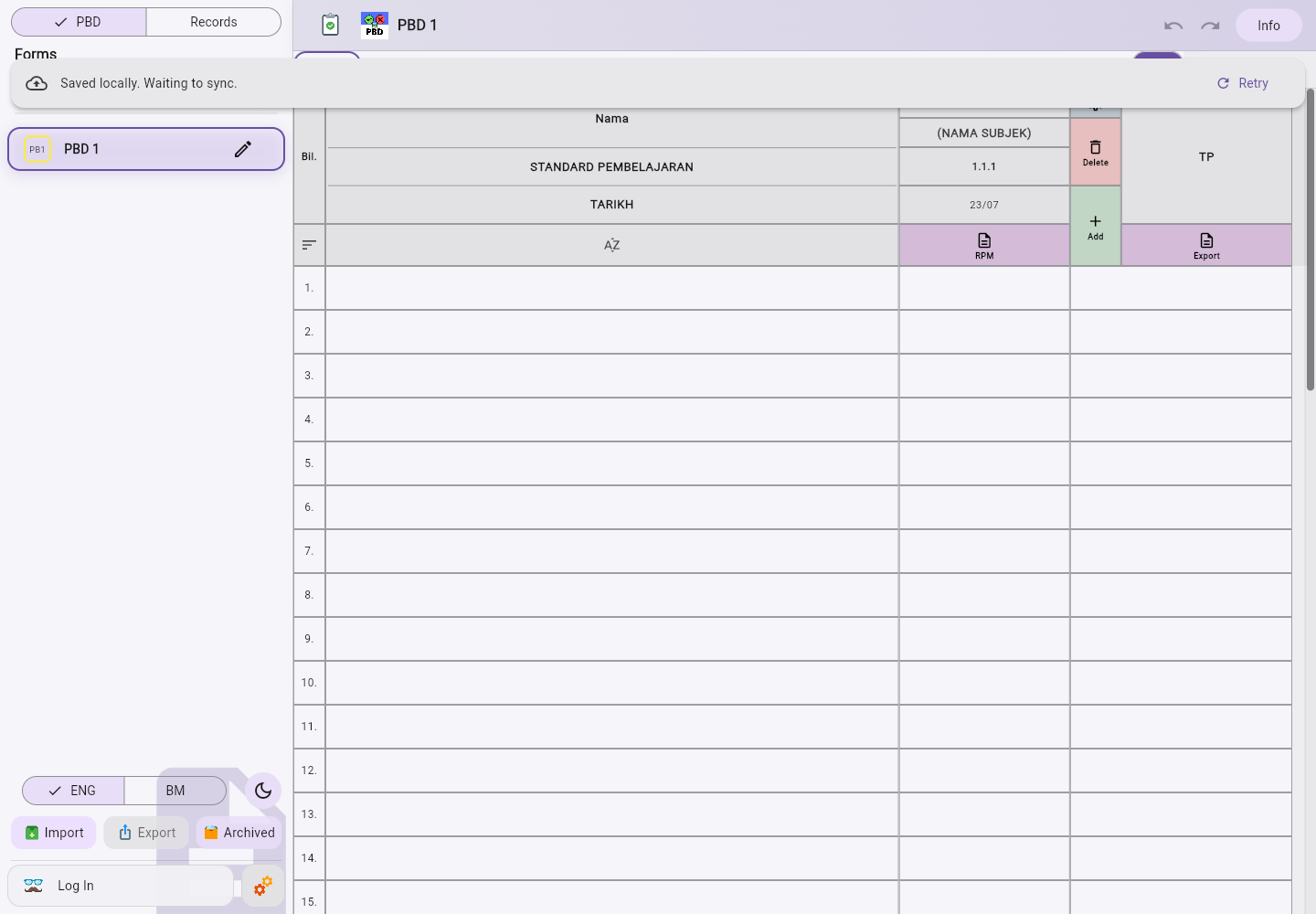
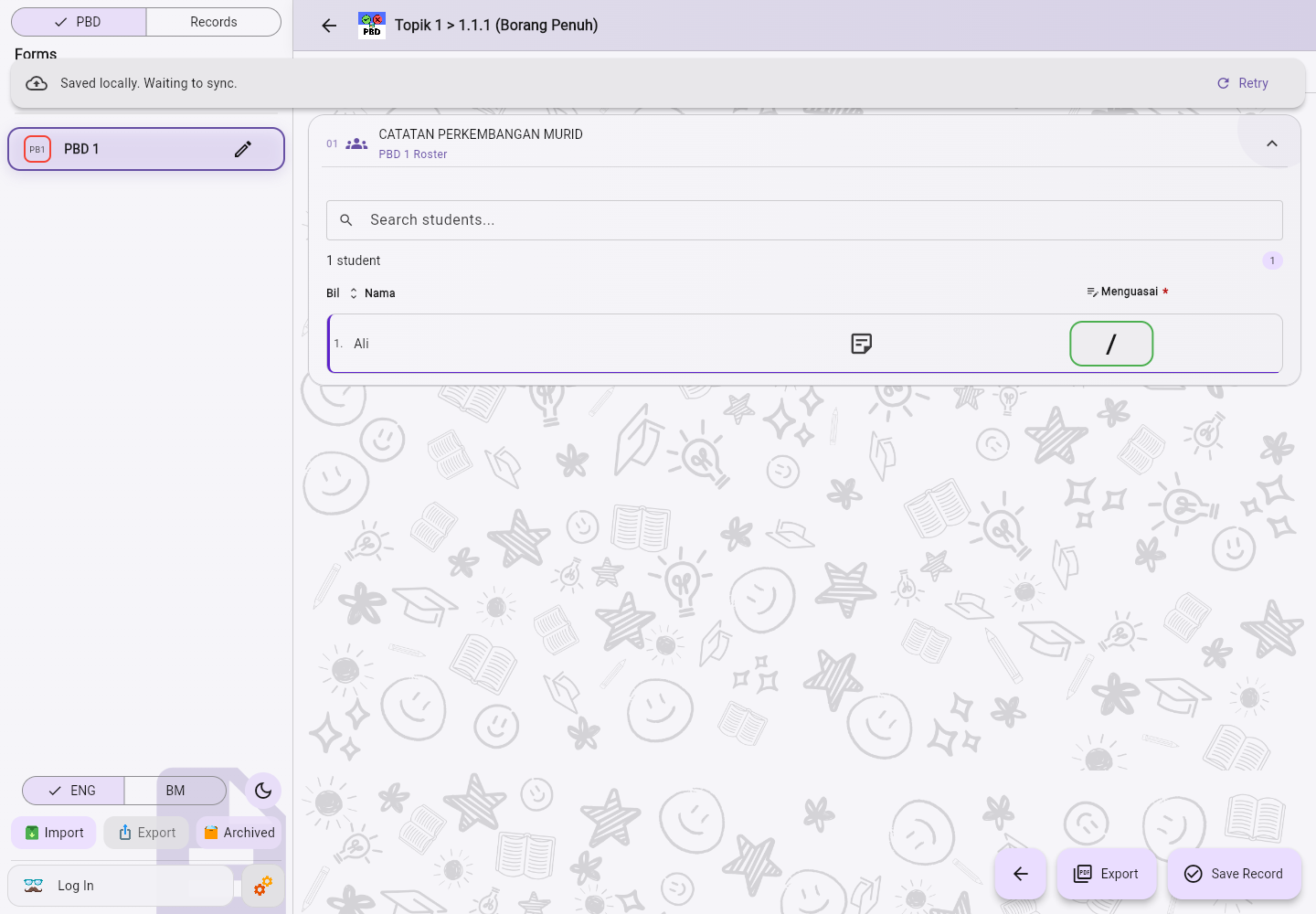
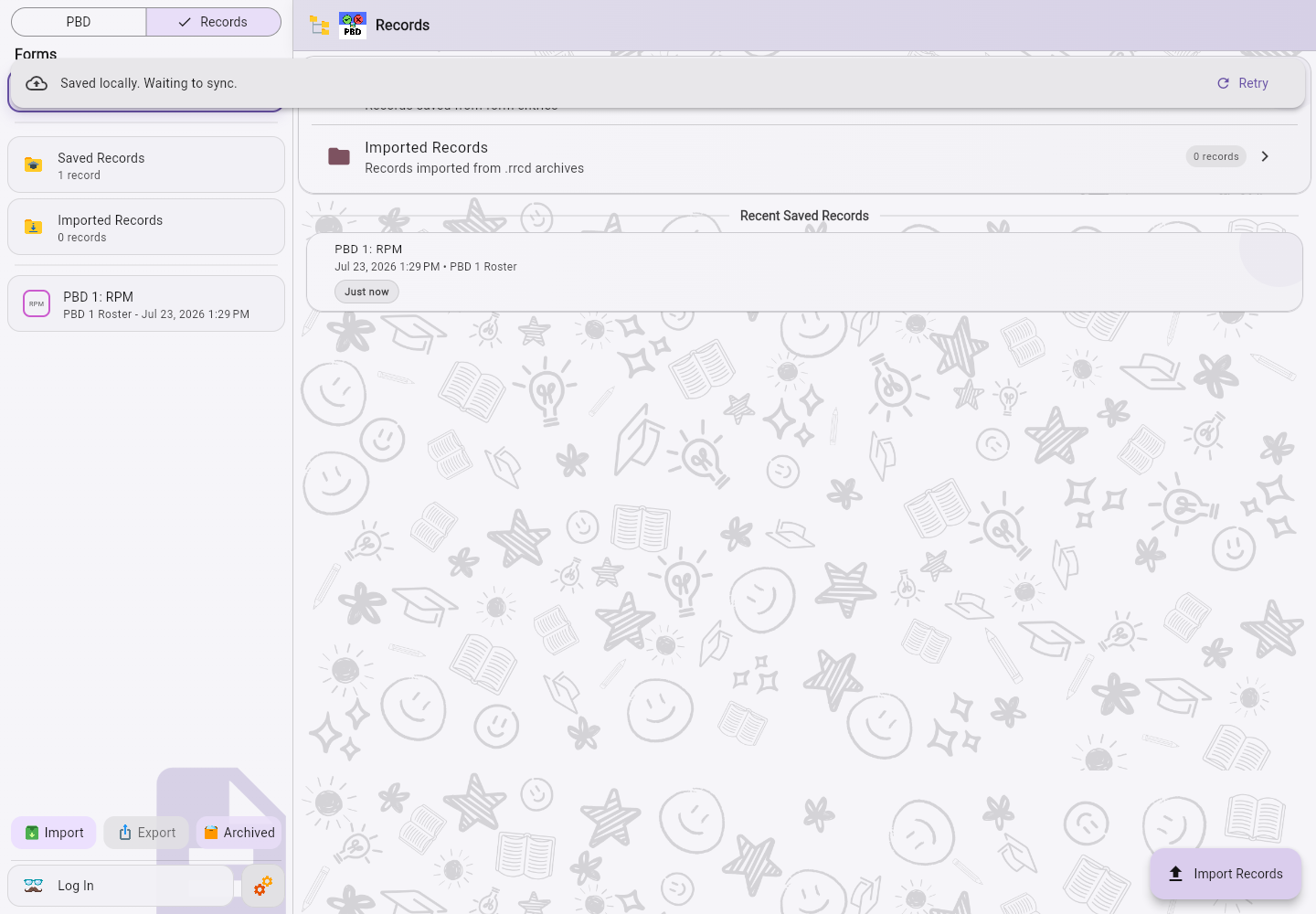
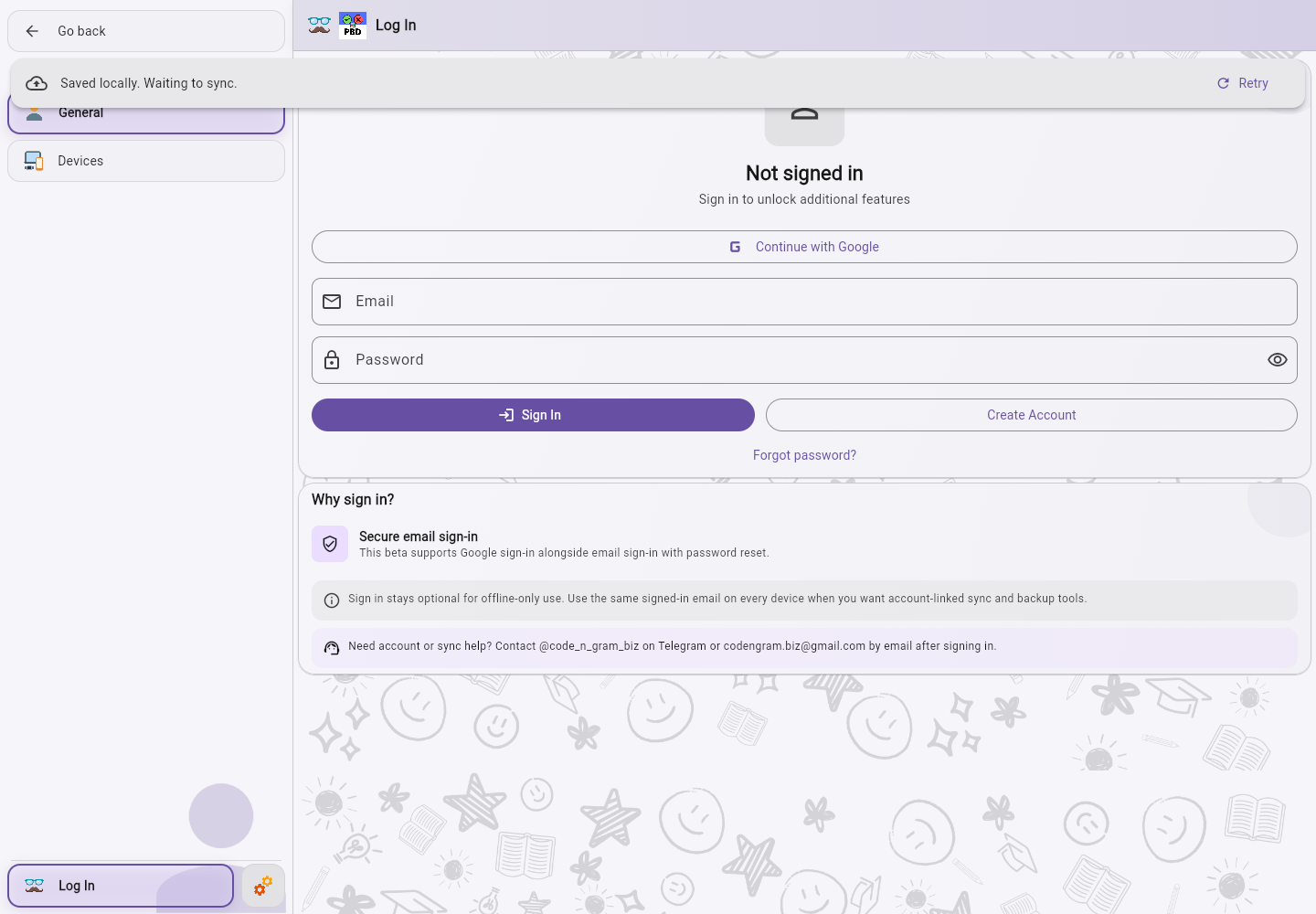
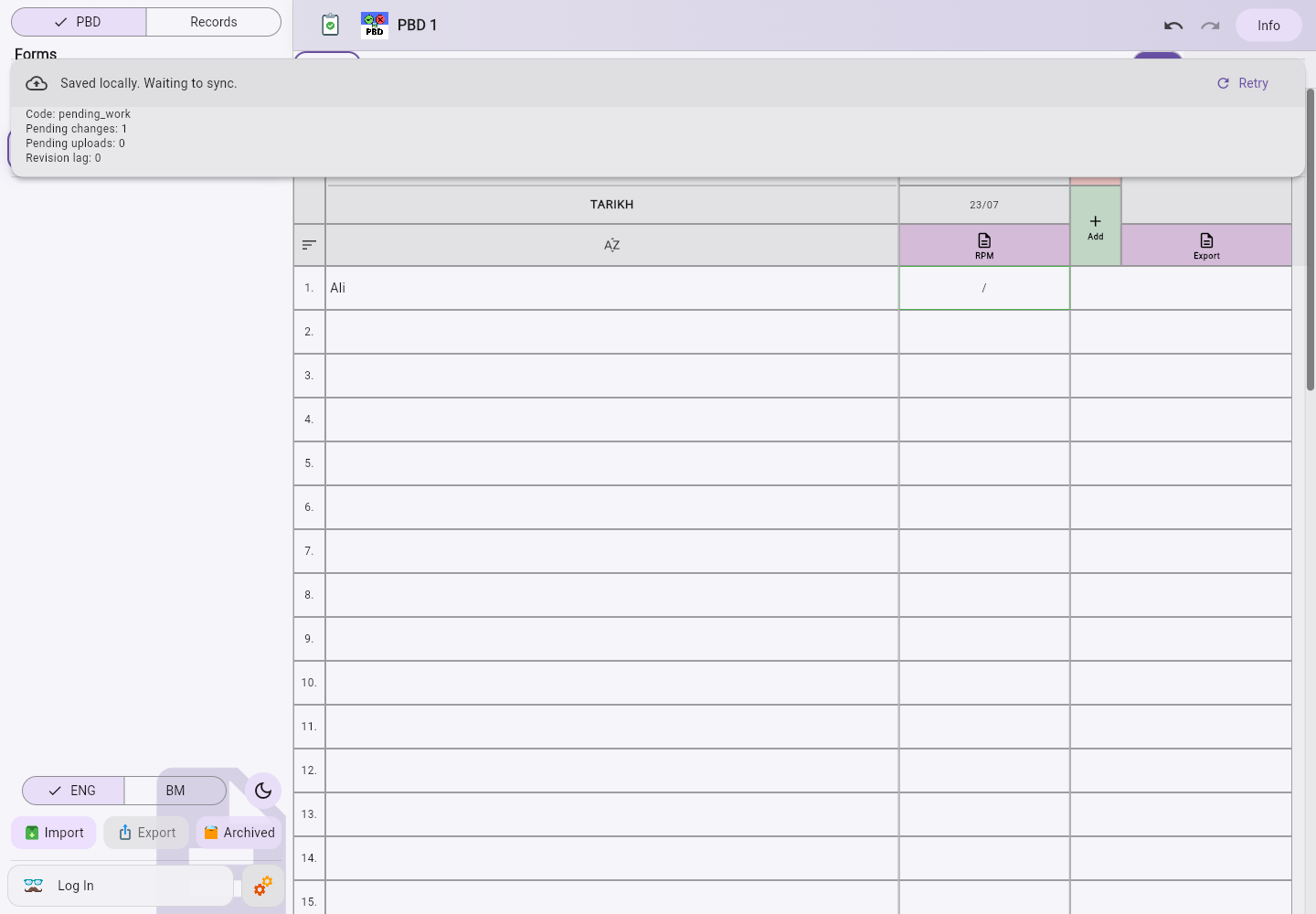
Real screens from the current Windows workspace, from preparing a class through reviewing saved records.
Frequently Asked
Edu N App brings class lists, students, reusable forms, saved records, imports, and report exports into one teacher-focused workspace.
Yes. Core classroom work is offline-first and stays on your device. Internet access is needed for optional hosted features such as account access, billing, updates, and eligible sync services.
The Windows release is publicly available now. Android is in closed testing, while macOS, iPhone, and iPad releases are planned for later phases.
Use the account page for access, billing history, and sync status. For anything else, the support page provides the direct contact options.